Hair Color Formula Management: Organize Your Salon
How to store and organize your professional hair color formulas. Notebook vs spreadsheet vs app comparison and digital migration guide.
Blendsor
Blendsor Team
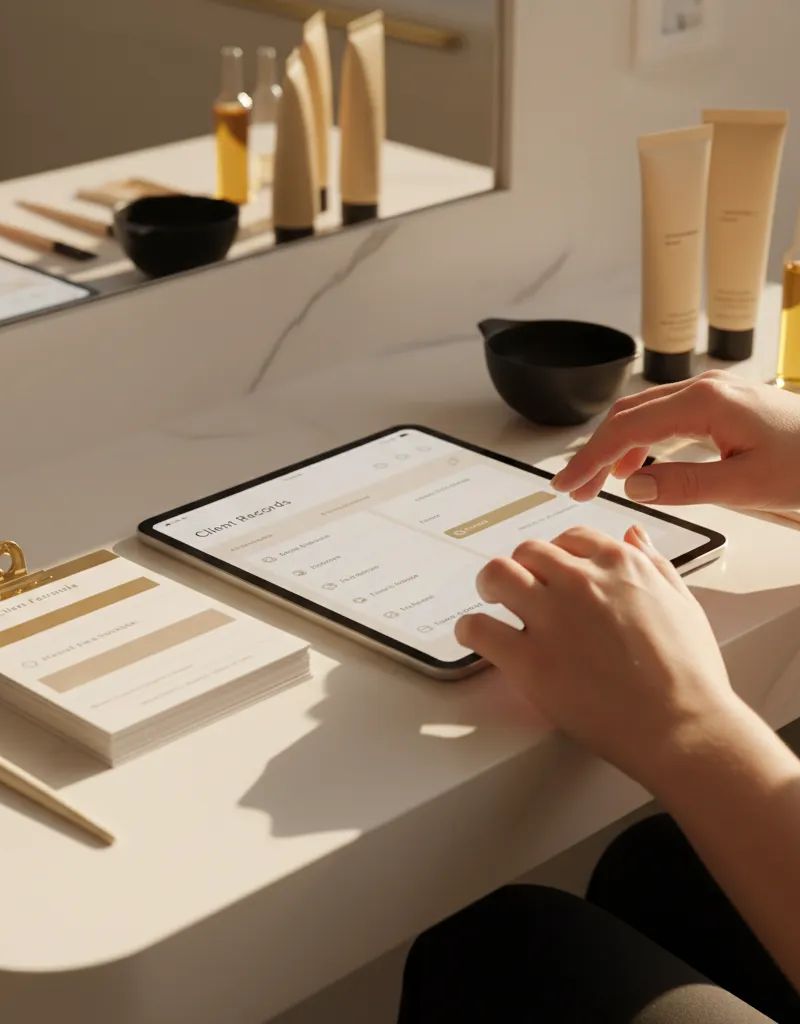
A client from three months ago comes back and asks for “the same color as last time.” Perfect—you go to look up her formula and… you can’t find it. The sticky note got lost. The phone note was deleted. Now you have to improvise a formula from memory, hoping the result looks similar.
If this has happened to you, you’re not alone. Most colorists don’t have a reliable system for storing their formulas. And that directly affects result consistency, client trust, and your profitability.
In this guide, you’ll learn how to organize your formulas professionally, compare methods (notebook, spreadsheet, app), and migrate your system without losing information. This article is part of our guide to building a profitable color salon.
Quick summary: Without a formula management system, each lookup takes 3-5 minutes; with a system, 10-30 seconds. Seeing 8 clients daily, that recovers over 8 hours per month. The right method depends on client volume: notebook for under 30 active clients, spreadsheet up to 100, specialized app for 50 or more.
Why Do You Need a Formula Management System?
Without a system, finding a formula takes 3-5 minutes per client. With an organized system, 10-30 seconds. Seeing 8 clients daily, that difference adds up to over 8 hours recovered per month. According to the Society of Cosmetic Chemists, consistency in formulation is one of the primary factors determining client satisfaction in professional color services.
Managing formulas isn’t an organizational luxury. It’s a professional necessity that directly impacts your business:
| Without a System | With a System |
|---|---|
| Finding formula: 3-5 min | Finding formula: 10-30 sec |
| Inconsistent results | Replicable results |
| Client doubts you | Client trusts you |
| You lose information | Complete history |
| You improvise if you forgot | You decide with data |
| You rely on memory | The system works for you |
According to the Society of Cosmetic Chemists, consistency in formulation is one of the primary factors determining client satisfaction in professional color services. A reliable recording system is the foundation of that consistency.
If you see 8 clients per day and save 3 minutes per formula lookup, you recover 24 minutes daily. Per month, that’s over 8 hours. Hours you can dedicate to an extra client, to training, or simply to rest.
What Should Every Good Formula Card Include?
A professional formula card must contain: client data (name, contact, allergies), technical hair data (natural level, current level, gray percentage, porosity, chemical history), the applied formula (product, proportions, developer, timing zone by zone), and technical notes with a result photo to enable exact replication at the next visit.
Before choosing a method, you need to know what information to record. A professional formula card should contain:
Client Data
- Full name
- Phone/contact
- Date of last visit
- General notes (allergies, sensitivity, preferences)
Technical Hair Data
| Field | Example |
|---|---|
| Natural level | 6 (dark blonde) |
| Current level | 8 (light blonde) with level 6 regrowth |
| Gray percentage | 30% at the hairline |
| Porosity | Medium-high on mid-lengths, high on ends |
| Chemical history | Balayage 4 months ago |
Formula Applied
| Field | Example |
|---|---|
| Service | Root touch-up + toner |
| Root zone | 60 g dye 8.1 + 60 ml 20 vol developer |
| Mid-lengths | 30 g dye 9.1 + 30 ml 10 vol developer |
| Ends | Gloss 10.01 + 10 ml 5 vol developer |
| Timing | Roots 35 min, mids 15 min, ends 10 min |
| Result | Uniform ash blonde, 100% gray coverage |
Technical Notes
- How the hair reacted (“absorbs quickly on ends,” “resists at the frontal root area”)
- Adjustments for next time (“add 5 min on roots,” “use 10 g more at the nape”)
- Result photo (if the system allows)
This level of detail is what separates a professional colorist from one who improvises. Applying colorimetry principles correctly requires precise data, and that data needs a recording system. Tools like the color mix predictor can help verify proportions before committing to a formula.
Which Formula Management Methods Actually Work?
A physical notebook is fast to adopt but slow to search and has no backup; it works for under 30 active clients. A spreadsheet (Excel or Google Sheets) enables fast search and is free but awkward for photos; suitable up to 100 clients. A specialized colorist app delivers lookups in 5-10 seconds, integrated photos, and automatic backup — the best option from 50 active clients onward.

Method 1: Physical Notebook
The classic. A notebook or binder where you write formulas by hand.
| Aspect | Rating |
|---|---|
| Cost | $3-10 (one-time) |
| Ease of use | Very high |
| Lookup speed | Slow (flipping through pages) |
| Search by client | Difficult if not organized |
| Backup | None (lose it, lose everything) |
| Photos | No |
| Mobile access | Only if you carry the notebook |
Works for: Colorists with few clients (under 30 active) who have good memory and legible handwriting.
Main problem: As your client base grows, searching for a formula among hundreds of pages becomes unsustainable. And if you lose the notebook, you lose years of work.
Pro tip: If you use a notebook, organize alphabetically by last name and use dividers or tabs. A ring binder you can reorganize is better than a bound notebook.
Method 2: Spreadsheet (Excel / Google Sheets)
A step forward. A spreadsheet with organized columns.
| Aspect | Rating |
|---|---|
| Cost | $0 (Google Sheets is free) |
| Ease of use | Medium (requires basic spreadsheet skills) |
| Lookup speed | Fast (Ctrl+F to search) |
| Search by client | Excellent (filters and search) |
| Backup | Automatic in the cloud |
| Photos | Possible but cumbersome |
| Mobile access | Yes (but experience isn’t ideal) |
Works for: Organized colorists with 30-100 active clients who are comfortable with basic technology.
Main problem: Spreadsheets aren’t designed for formula management. Adding photos is awkward, the mobile experience is poor, and as it grows, it becomes difficult to maintain.
Method 3: Generic Apps (Notes, Evernote, Google Keep)
Using a general notes app to store formulas.
| Aspect | Rating |
|---|---|
| Cost | $0-5/month |
| Ease of use | High |
| Lookup speed | Medium (depends on organization) |
| Search by client | Good (if you tag well) |
| Backup | Automatic |
| Photos | Yes |
| Mobile access | Excellent |
Works for: Colorists who want something better than a notebook but don’t need color-specific functionality.
Main problem: No structured fields. Each formula is free text, making it difficult to compare previous formulas or detect patterns.
Method 4: Specialized Colorist App
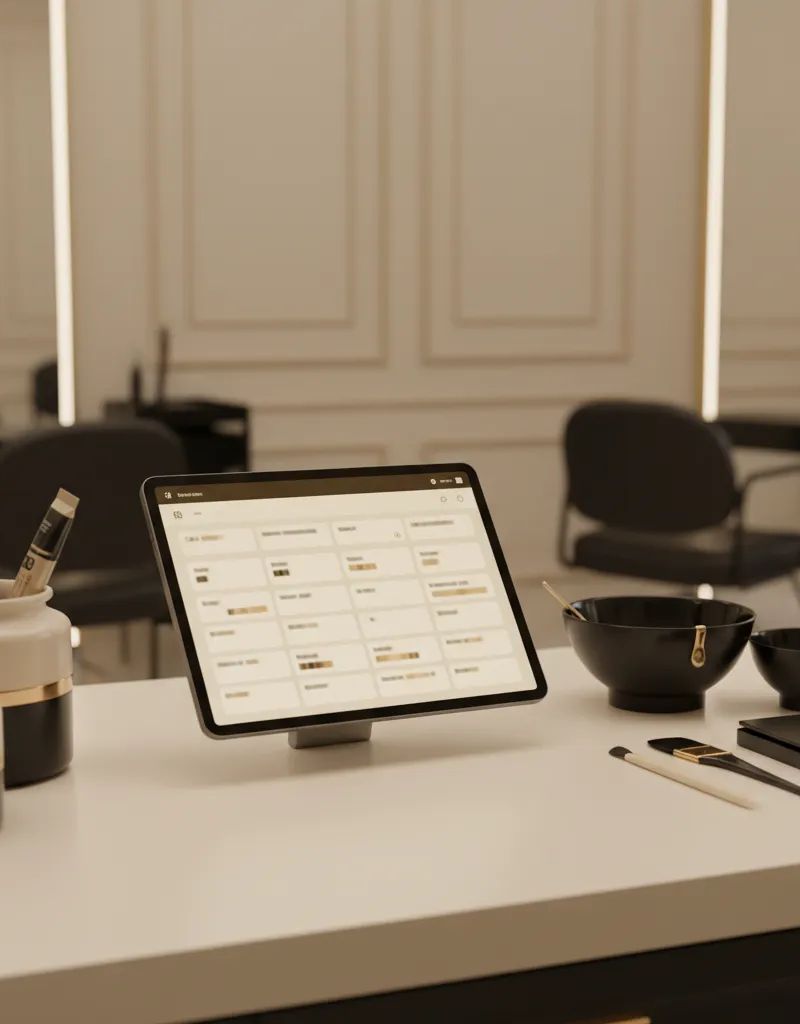
Software designed specifically for managing hair color formulas. For a curated comparison of the best options available this year, check our guide to the best colorist apps 2026.
| Aspect | Rating |
|---|---|
| Cost | $0-15/month |
| Ease of use | High (designed for colorists) |
| Lookup speed | Very fast (5-10 sec) |
| Search by client | Excellent |
| Backup | Automatic |
| Photos | Yes, integrated with formula |
| Mobile access | Excellent |
| Extras | AI, recommendations, visual history |
Works for: Any professional colorist, especially with 50+ active clients.
Summary Comparison
| Criteria | Notebook | Spreadsheet | Generic App | Specialized App |
|---|---|---|---|---|
| Lookup speed | Slow | Fast | Medium | Very fast |
| Organization | Low | High | Medium | Very high |
| Backup | No | Yes | Yes | Yes |
| Integrated photos | No | Difficult | Yes | Yes |
| Monthly cost | $0 | $0 | $0-5 | $0-15 |
| Learning curve | None | Low | Low | Low |
| Best for | <30 clients | 30-100 | 30-80 | 50+ clients |
How to Migrate from Manual to Digital Without Losing Information?
The 30-day migration plan runs in four weeks: week 1, set up the new system and test with 2-3 fictional clients; week 2, migrate your 20 most frequent clients; week 3, run dual recording in both old and new systems to confirm the new one works; week 4, use the new system only. There is no need to migrate all historical formulas at once.
If you’ve been using a notebook for years and want to make the leap, you don’t need to migrate everything at once. Follow this 30-day plan:
Week 1: Set Up Your New System
- Choose your tool (spreadsheet or specialized app)
- Create the field structure (use the list from the section above)
- Test with 2-3 fictional clients
Week 2: Migrate Your VIP Clients
- Identify your 20 most frequent clients
- Record their current formula in the new system
- Add result photos if you have them
Week 3: Double Recording
- Every client who comes in this week, record in both systems (old and new)
- This verifies the new system works before abandoning the old one
- Fix any issues you spot
Week 4: New System Only
- Stop using the notebook for new entries
- Continue migrating clients from the notebook to the new system as they visit
- Within 2-3 months, all active clients will be migrated
Pro tip: Don’t try to migrate hundreds of formulas at once. Migrate as clients visit the salon. Those who haven’t come in 6+ months probably won’t return, so don’t waste time on them.
What Are the Most Common Formula Management Mistakes?
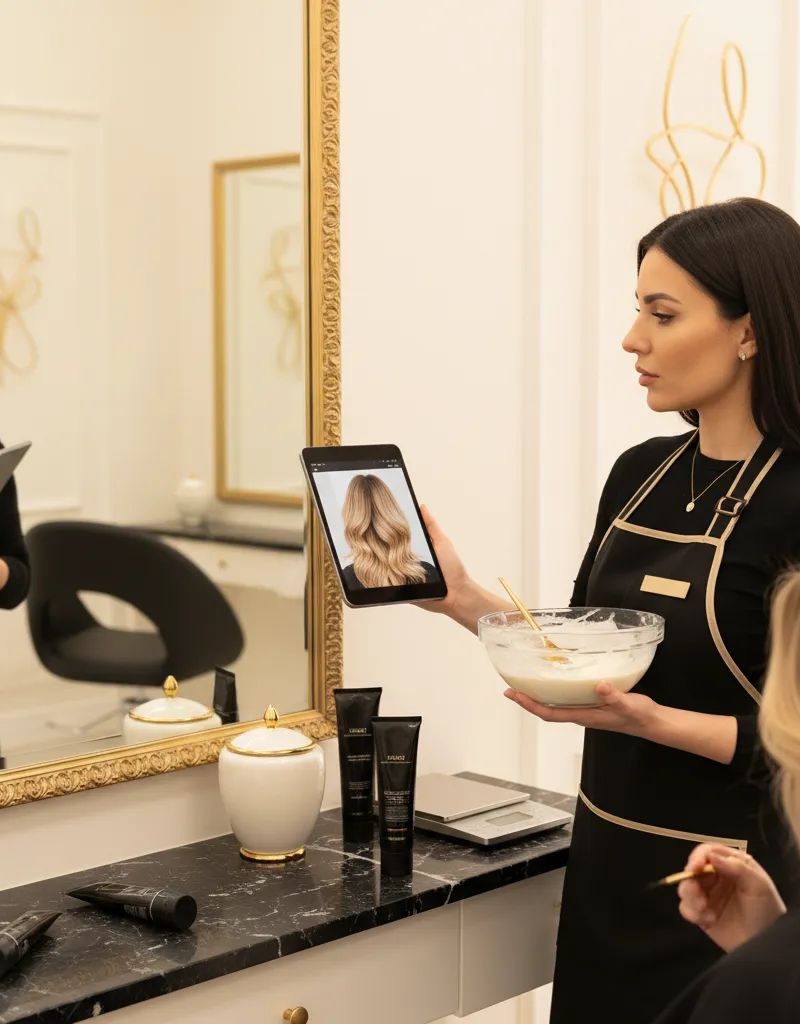
The five most frequent mistakes are: not recording technical notes (the formula alone is not enough), recording the formula but not the result photo, not updating the record when the formula changes, depending on a single medium without backup, and not including service context (like how much regrowth the client had or what she wanted to change that visit).
-
Not recording technical notes: The formula alone isn’t enough. “Absorbs quickly on ends” or “needs 5 extra minutes on roots” are details that make the difference. Skipping these leads to common formulation mistakes.
-
Recording the formula but not the result: Knowing you applied 8.1 + 20 vol is useless if you don’t know how it turned out. The result photo is your best reference.
-
Not updating the record: If you change the formula (because developer proportions need adjustment, or because you switch brands and need to check shade equivalences), update the record. The old formula should stay as history, not as the current reference.
-
Depending on a single medium without backup: A water-damaged notebook, a broken phone, a crashed computer. Any system without a backup is a ticking time bomb.
-
Not including service context: “Came in with 3 cm of regrowth and wanted to go darker” is information you’ll need next time. Context helps you understand why you chose that formula.
Frequently Asked Questions
How long does it take to record a formula?
With a well-organized system, 2 to 5 minutes per client. That includes noting the formula, observations, and taking a result photo. It’s a minimal investment compared to the 10-15 minutes you lose searching for a lost formula.
What do I do if I lose a client’s formula?
If the client has a photo of the result, you can recreate an approximate formula by evaluating the tone and adjusting based on experience. Without a photo or reference, you’ll need to do a complete consultation as if she were a new client. Another reason to have a system with backup.
Is it legal to store client data in an app?
Yes, as long as you comply with data protection regulations (GDPR in Europe, state laws in the US). You need the client’s consent to store their data, you must inform them what data you keep and why, and you must guarantee they can request deletion. Most professional apps already include these mechanisms.
Is it worth paying for an app if I have few clients?
If you have fewer than 30 active clients, a well-organized notebook or Google Sheets may be enough. Beyond 50 clients, a specialized app pays for itself in time saved. Many apps offer limited free plans so you can try before committing.
Can I share formulas with my team if I have employees?
With a notebook, it’s practically impossible. With a shared spreadsheet, it works but with overwrite risk. With a specialized app, each team member accesses their clients’ formulas and the salon’s, with controlled permissions. It’s the only scalable option for teams.
Key Takeaways
- Your formula is your asset: Without a system, you lose consistency, trust, and time
- Choose the right method: Notebook for few clients, spreadsheet for medium, app for 50+
- Migrate gradually: 30-day plan, start with your 20 best clients
- Record everything: Formula + notes + result photo
- Backup always: Any system without a backup is a risk
Manage Your Formulas with Artificial Intelligence
Want to generate personalized formulas with AI, save every client’s history, and look up anything in seconds from your phone?
Try Blendsor free - 5 formulas per month, no credit card required.
How do you currently store your formulas? Notebook, phone, or something else?
Related articles




The Monday Briefing
Color techniques and trends for professionals. No spam.
Manage your salon intelligently
Blendsor does more than formulas: organize client files, color history and keep your whole team in sync.
See BlendsorWritten by the Blendsor team
Professional hair colorimetry experts with experience in AI-assisted formulation. We combine color science, salon practice and technology to help colorists formulate with precision.