Best Apps for Professional Hair Colorists in 2026
The best hair colorist apps of 2026 compared. Features, pricing, and which one to choose based on your workflow as a professional colorist.
Blendsor
Blendsor Team
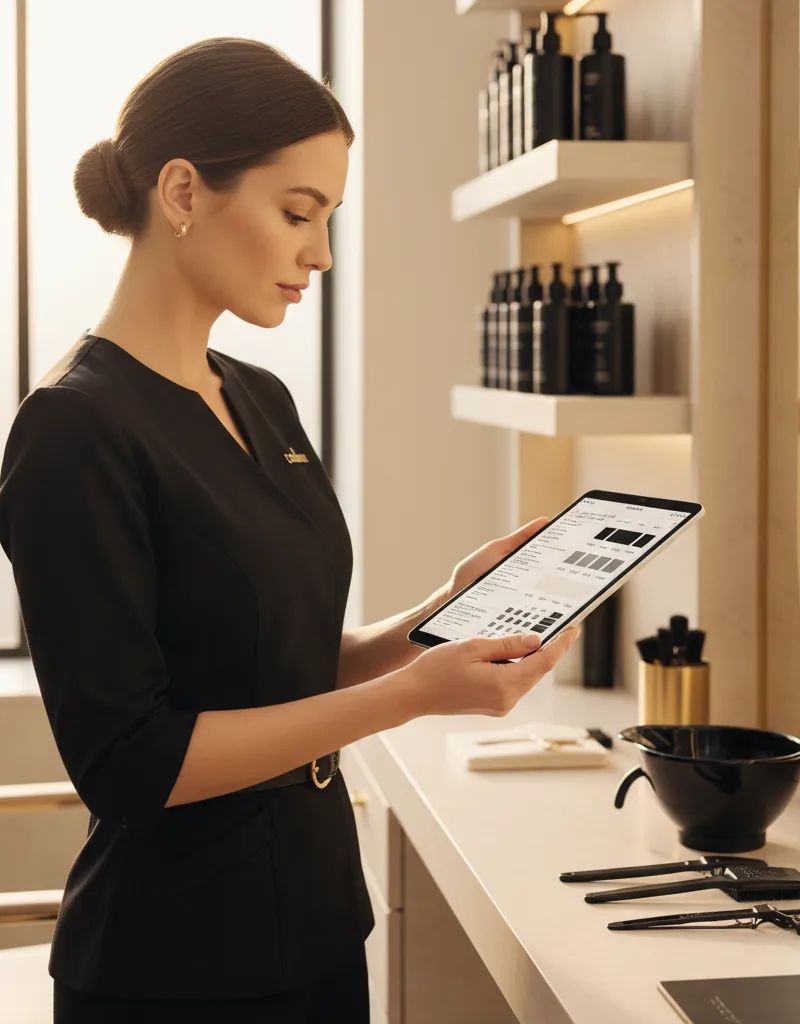
Still writing formulas in a notebook? Trying to remember what you mixed for Sarah three months ago?
In 2026, the most successful professional colorists share something in common: they use technology to formulate better, manage clients, and avoid repeating mistakes. Understanding the most common color formulation mistakes is the first step; having the right tool to prevent them is the second. Not because they’re tech-savvy, but because it saves time and money. According to the Professional Beauty Association, the adoption of digital tools in the salon correlates directly with higher client retention and a measurable reduction in formulation errors.
But the market for colorist apps is confusing. There are inventory management apps, formulation apps, brand-specific apps, and AI-powered apps. Which one do you actually need?
We’ve tested and analyzed the main options available in 2026. Here’s the honest comparison.
Quick summary: In 2026 there are 7 standout apps for colorists. Blendsor leads in AI formulation and is multi-brand; SalonScale is the reference for cost control ($49/month); Color Coach translates formulas between brands ($9.99/month); House of Color is free but Schwarzkopf-only. The best app is the one you actually use.
What Should a Good Colorist App Have?
A good colorist app must cover six functions: smart formulation (mixes, ratios, neutralizations), client history (retrieve formulas with one tap), multi-brand compatibility (Wella, Schwarzkopf, L’Oreal), usability between clients, pricing justified by the value it delivers, and availability in your language.
Before comparing, let’s define the criteria that matter:
| Criterion | Why It Matters |
|---|---|
| Smart formulation | Calculate mixes, ratios, and neutralizations without relying on memory |
| Client history | Pull up previous formulas with one tap |
| Multi-brand | Works with Wella, Schwarzkopf, L’Oreal… not just one brand |
| Ease of use | Usable between clients, not only when you have free time |
| Fair pricing | The cost is justified by the value it delivers |
| Language | Available in your language, not just English |
What Are the 7 Best Apps for Colorists in 2026?
The 7 top apps are: Blendsor (AI multi-brand formulation, free/€19 per month), SalonScale (cost control, $49/month), Color Coach (cross-brand translation, $9.99/month), House of Color by Schwarzkopf (free, single-brand), Gloss App (simple storage, $2.99/month), CLICS (enterprise hardware system) and SureTint (quantity calculation, price not published).
1. Blendsor — AI for Formulation and Diagnosis
What it does: Blendsor analyzes hair photos with AI to suggest complete formulas. It identifies level, undertone, gray percentage, and generates the exact formulation with developer, processing times, and precautions.
Key features:
- AI hair analysis from photos
- Automatic formulation with 70+ variables
- Complete client and formula history
- Multi-brand (Wella, Schwarzkopf, L’Oreal, Goldwell…) with a converter supporting 10+ professional brands
- Built-in AI color consultant
- Available in English and Spanish
Price: Free (basic) / Pro from €19/month
Best for: Colorists who want precise formulation and everything digitized. Especially useful if you work with multiple brands.
Limitations: Doesn’t manage inventory or product costs.
Try Blendsor free — No credit card required.
2. SalonScale — Inventory and Cost Control
What it does: SalonScale focuses on the business side: how much product you use per service, how much each application costs, and how to optimize profitability. Includes an optional Bluetooth scale.
Key features:
- Product usage tracking per service
- Cost calculation per client
- Formula storage
- Square integration
- Profitability reports
Price: From $49 USD/month (Solo plan, 1 stylist; free trial available)
Best for: Salon owners who want to control costs and profitability per service.
Limitations: Doesn’t generate formulas. No AI. More focused on management than formulation.
3. Color Coach — Cross-Brand Formulation
What it does: Translates formulas from one brand to another. If your formula is with Wella and you need to replicate it with Schwarzkopf, Color Coach gives you the equivalent.
Key features:
- Formula translation between brands
- Formula generation based on color theory
- Multi-brand shade database
Price: $9.99 USD/month or $99 USD/year (7-day free trial)
Best for: Colorists who work with multiple brands or frequently change suppliers.
Limitations: No photo analysis. No robust client history. Limited interface.
4. House of Color (Schwarzkopf) — Brand Formulation
What it does: Schwarzkopf’s official app for generating formulas with their products. Search for the desired result and get a Schwarzkopf product combination.
Key features:
- Quick Schwarzkopf formula finder
- Client profiles
- Look inspiration and trends
Price: Free
Best for: Colorists who work exclusively with Schwarzkopf.
Limitations: Only works with Schwarzkopf products. No AI or photo analysis.
5. Gloss App — Formula and Client Management
What it does: Minimalist app for storing formulas and client data. Used in high-end salons like Serge Normant and Nine Zero One.
Key features:
- Formula storage by client
- Service notes
- Clean, simple interface
Price: $2.99/month (annual) or $3.99/month (monthly). First month free
Best for: Colorists who want something simple to avoid losing formulas.
Limitations: Doesn’t generate formulas. No AI. Very basic functionality compared to other options.
6. CLICS — Digital Dispensing System
What it does: CLICS is more than an app: it’s a complete color dispensing system with dedicated hardware. The app automatically records every service.
Key features:
- Precise color dispensing (hardware)
- Automatic formula recording
- Complete service history
- AI color design
Price: Enterprise system (contact for pricing)
Best for: Salon chains or large salons with high volume.
Limitations: Requires hardware investment. Not accessible for independent colorists.
7. SureTint — Mix Calculation
What it does: Calculates exact amounts of color, developer, and additives per client to optimize product usage.
Key features:
- Personalized quantity calculations
- Product waste reduction
- Service history
Price: Not published
Best for: Salons focused on reducing waste and controlling costs.
Limitations: Doesn’t generate creative formulas. Focused on quantities, not color theory.
Quick Comparison Table
| App | AI Formulation | Multi-brand | Client History | Spanish | Price |
|---|---|---|---|---|---|
| Blendsor | Yes | Yes | Yes | Yes | Free / €19 |
| SalonScale | No | Yes | Yes | No | $49/mo |
| Color Coach | No | Yes | Basic | No | $9.99/mo |
| House of Color | No | Schwarzkopf only | Yes | Yes | Free |
| Gloss | No | Yes | Yes | No | $2.99/mo |
| CLICS | Yes | Yes | Yes | No | Enterprise |
| SureTint | No | Yes | Yes | No | Not public |
Which App Should You Choose Based on Your Situation?
The choice depends on your profile: independent colorists should use Blendsor (AI formulation, multi-brand); salon owners controlling costs should combine SalonScale + Blendsor; Schwarzkopf-only professionals can start with House of Color plus Blendsor for advanced features; large high-volume salons with hardware budgets should consider CLICS.
You’re an Independent Colorist
Best choice: Blendsor. You need fast formulation, client history, and multi-brand support. AI helps you diagnose and calculate formulas without memorizing tables.
You’re a Salon Owner Who Wants Cost Control
Best choice: SalonScale + Blendsor. SalonScale for financial control, Blendsor for formulation. They complement each other.
You Work Exclusively with Schwarzkopf
Best choice: House of Color (free) + Blendsor for advanced features like photo diagnosis.
You Have a Large, High-Volume Salon
Best choice: CLICS if you can invest in hardware. For medium salons, Blendsor covers formulation and client management without equipment investment.
Notebook, Spreadsheet, or Specialized App: Which Is Better for Formula Management?
A notebook is free but has no backup and finding formulas takes minutes of flipping; a spreadsheet has fast search and cloud storage but neutralization calculations are manual; a specialized app delivers 1-tap lookup, automatic calculation, shared team access, and trend analysis — for a cost of $0-19 per month.
Many colorists still use notebooks or spreadsheets. There’s nothing wrong with that if it works for you. But compare:
| Aspect | Notebook | Spreadsheet | Specialized App |
|---|---|---|---|
| Find old formula | Flipping pages | Searching cells | 1 tap |
| Calculate neutralization | Mental math or chart | Manual formula | Automatic |
| Share with assistant | Photocopy | Send file | Shared access |
| Backup if lost | None | If copied | Cloud-based |
| Trend analysis | Impossible | Possible with effort | Automatic |
| Cost | ~$5/notebook | Free | $0-19/month |
To dive deeper into organizing your workflow, check our professional formula management guide.
Frequently Asked Questions
Do I really need an app to formulate color?
It’s not mandatory, but highly recommended if you manage more than 20 regular clients. Memory fails, notebooks get lost, and a misremembered formula can ruin a service. An app gives you consistency and speed.
Do color apps replace technical knowledge?
No. Apps are tools that complement your training, not replace it. You need to understand basic colorimetry to interpret what the app suggests and adjust for each particular case.
Is it safe to store client data in an app?
Professional apps like Blendsor use encryption and secure servers (GDPR compliance in Europe). It’s more secure than a notebook that anyone can open or that can be lost.
Can I use multiple apps at once?
Yes. In fact, many colorists combine a formulation app (Blendsor) with a scheduling or inventory management tool (SalonScale). The key is not to duplicate information.
How much does a color app cost per month?
From $0 (free versions) to $19-49/month depending on the app and plan. Compared to the cost of a poorly formulated service (re-work, wasted product, lost client), the investment pays for itself with 1-2 services per month.
In Summary
The colorist app market in 2026 splits into:
- AI formulation: Blendsor leads with photo diagnosis and automatic multi-brand formulation
- Cost control: SalonScale is the reference for inventory management and profitability
- Cross-brand translation: Color Coach solves a specific but important problem
- Brand apps: House of Color (Schwarzkopf) is free but limited to one brand
- Enterprise systems: CLICS for large salons with hardware budgets
The best app is the one you actually use. Start with the free version of whichever best fits your primary need and scale from there.
Ready to ditch the notebook? Try Blendsor free and discover how AI can transform the way you formulate color.
Related articles



The Monday Briefing
Color techniques and trends for professionals. No spam.
Try Blendsor free
AI formulas, client profiles and smart assistant. All in your pocket.
Download freeWritten by the Blendsor team
Professional hair colorimetry experts with experience in AI-assisted formulation. We combine color science, salon practice and technology to help colorists formulate with precision.