Pricing Blog Formulas Tools Charts Colorists About Try the app
EN | ES | PT
Online tool

Professional hair color brand converter

Find the equivalent of any shade across professional brands. Instant results.

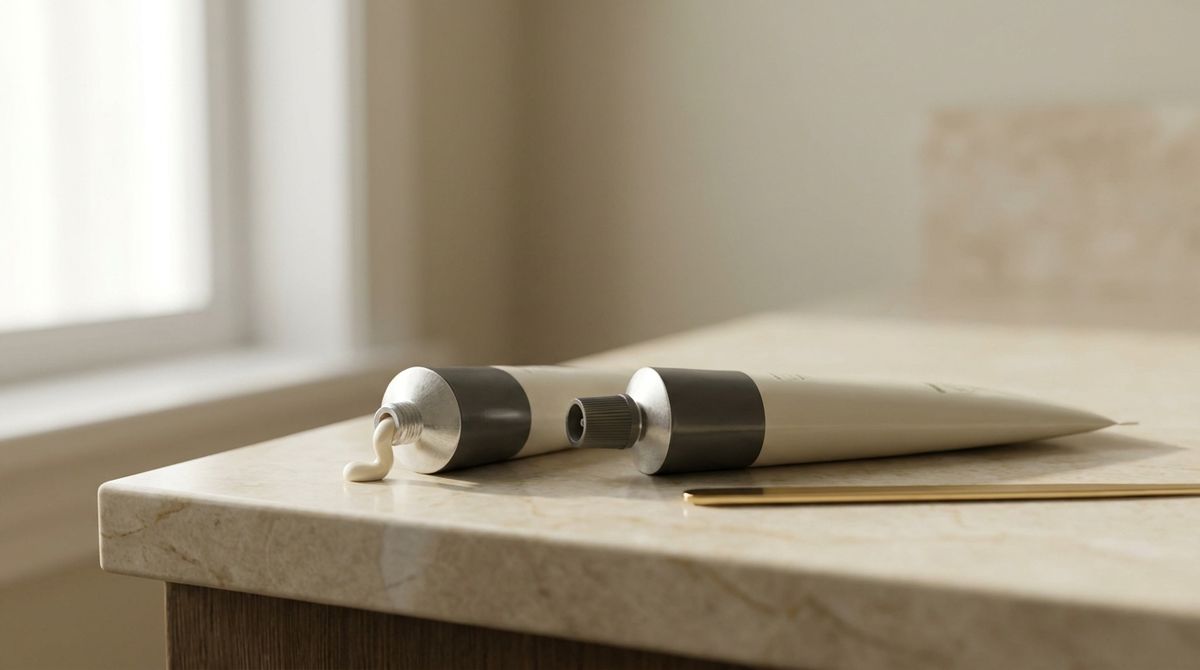
Two professional hair color tubes on a cream marble surface with a coloring brush

Conversions by brand

Explore the full equivalence chart between two brands:

Browse the full shade catalog by brand

Don't know the exact shade code? Explore all available shades by brand:

All brand names and logos shown are the property of their respective owners. Blendsor is not affiliated with, sponsored by, or endorsed by these brands. Their names and logos are used solely to identify the manufacturer of each color chart.

See all professional color charts →

What is a hair color brand converter

A hair color brand converter is a tool that helps you find the equivalent shade from one professional brand in another. If you use a Koleston Perfect 7/1 and need the closest shade in another brand, this tool finds it.

Each line marks the level and reflect with its own sign (slash, dot, dash or letter). And the same number doesn't always mean the same reflect.

How the hair color numbering system works

Professional hair color is identified by two components:

  • Level (the first number): the depth of the shade, from the darkest shades to the lightest blondes. Each brand has its own names for the levels: check the ones on your brand's chart.
  • Reflect (what comes after): the tone of the color, written differently by each line: Koleston Perfect with a slash (7/1), Majirel with a dot (7.1), Igora Royal with a dash (7-1) and SoColor with letters (7A).

There's no reflect key that works for every brand: the same number can be a different reflect in another brand. Two examples from the US:

  • Wella (US store blog, for Koleston Perfect, Color Touch, Illumina Color and Shinefinity): /1 ash, /2 matte, /3 gold, /4 red, /5 mahogany, /6 violet, /7 brown, /8 pearl, /9 cendré.
  • Igora Royal (US wall chart): -1 Cendré, -2 Ash, -3 Matte, -4 Beige, -5 Gold, -6 Chocolate, -7 Copper, -8 Red, -9 Violet.

Look at the 1, the 4 and the 7: Wella's /1 is ash, its /4 red and its /7 brown; Igora's -1 is Cendré, its -4 Beige and its -7 Copper, and its Ash is the -2. So don't swap a Wella /1 for an Igora -2 just because both say "ash".

When switching brands, compare both shades' names and swatches on each brand's chart and do a strand test.

When you need to convert between brands

The most common situations where you'll need to find equivalences:

  • Distributor change: The salon switches suppliers and all existing formulas need to be replicated with the new brand.
  • Out of stock: The usual shade isn't available and an immediate alternative from another brand is needed.
  • Client brings a reference: The client says "I use 7A from Matrix at my other salon" and the salon works with Wella.
  • Cross-training: Learning techniques with one brand and wanting to apply them with the salon's brands.

Limitations of conversion charts

It's important to understand that no conversion is 100% exact. Each brand has:

  • Proprietary pigments: An "ash" from Wella doesn't have exactly the same pigments as an "ash" from Matrix. The visual result may vary.
  • Different intensity: A shade written the same way can carry more or less pigment depending on the brand.
  • Different base: Each shade's base can differ from one brand to another, which affects the final result.

That's why this tool provides professional guidance, not a guarantee. For a complete formula tailored to each client and the salon's brands, access Blendsor.

Know which shade to use? Calculate the exact amount you need. Want to mix two shades? Predict the result with our mixing calculator.

We answer your questions

Questions about hair color conversion

Everything you need to know about brand equivalences

No. Equivalences are approximate because each brand uses different pigments, bases, and concentrations. We always recommend doing a strand test when switching brands.

Yes. Inside Blendsor you'll find it in Learn → Brand converter and in the chat attach button (+). There the equivalent comes with its confidence level and a warning if the product type changes, and you can send it to the advisor to fine-tune it for your client's base, grays and porosity. Access the app.

It's not recommended. Each brand formulates its products with specific chemistry (pH, alkalizing agent, pigment system). Mixing brands can create unpredictable reactions and unwanted results. Always use color and developer from the same brand.

The tool shows you the closest available shade. If you need a very specific result, you can combine two shades from the target brand (for example, mixing a natural and an ash of the same level to get a soft ash). Blendsor calculates these mixes automatically.

Because the number indicates the manufacturer's intention, not an absolute result. The pigments, concentration, natural base, and technology of each brand produce different results. And in another brand the same number can be a different reflect: before applying, check each brand's chart for both shades' names and swatches.

Permanent color lifts and deposits: it's the usual choice for gray coverage or lightening, up to the levels your brand's manual gives; beyond that, you need lightener. Demi-permanent mostly deposits (toning blondes, refreshing color, adding shine); depending on the line it lifts a little or not at all, so check your line's product page.

It includes the most-used professional salon brands: Wella (Koleston Perfect, Color Touch, Illumina, Color Fresh), L'Oréal (Majirel, Dia, INOA), Redken (Shades EQ, Color Gels, Chromatics), Schwarzkopf (Igora Royal, Vibrance), Matrix SoColor, Goldwell (Topchic, Colorance, Elumen), Joico, Pravana (ChromaSilk and Vivids), Kenra, Paul Mitchell, Alfaparf and Revlon. We keep adding more brands with data verified against official charts.

No. This tool is designed exclusively for professional hair color brands, and drugstore dyes aren't in its data.

Blendsor generates complete, personalized formulas with over 120 professional brands. It analyzes the client's hair, history, and the salon's brands to deliver the formula without leaving the chair.

Have more questions?

Email us at hello@blendsor.com

Charts give you the equivalent.
Blendsor gives you the full formula for that hair: ratio, developer and timing.

Analyzes dozens of variables and generates complete formulas with the products you use. Free.

Download on App Store Download on the App Store Get it on Google Play